
SEO
Titles, link previews, sitemaps and AI search for the whole site, from one calm screen.
Free
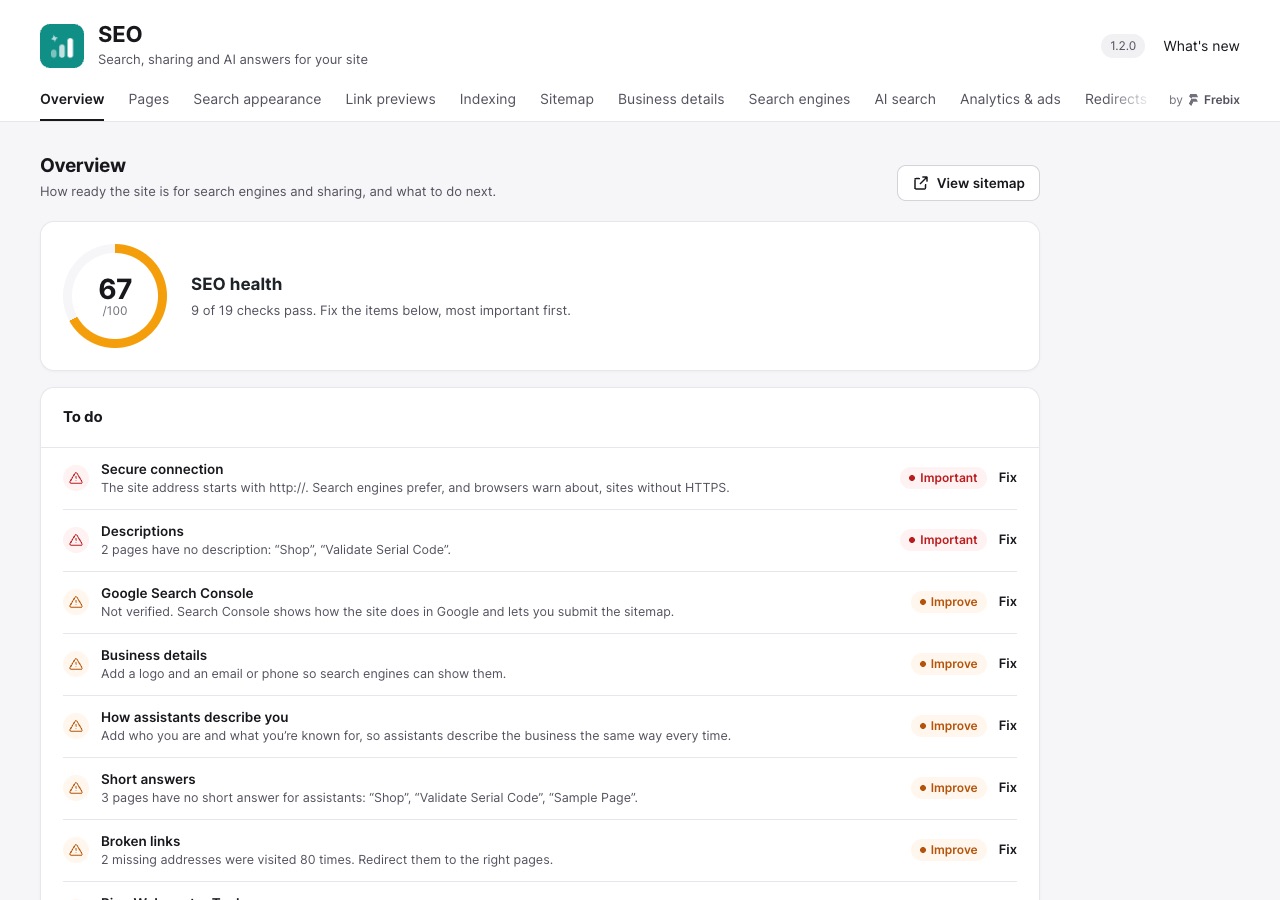
A health score and a short list of fixes
What it looks after.
Running in four steps.
- 1
Install Frebix SEO and activate it.
- 2
Open Frebix → SEO.
- 3
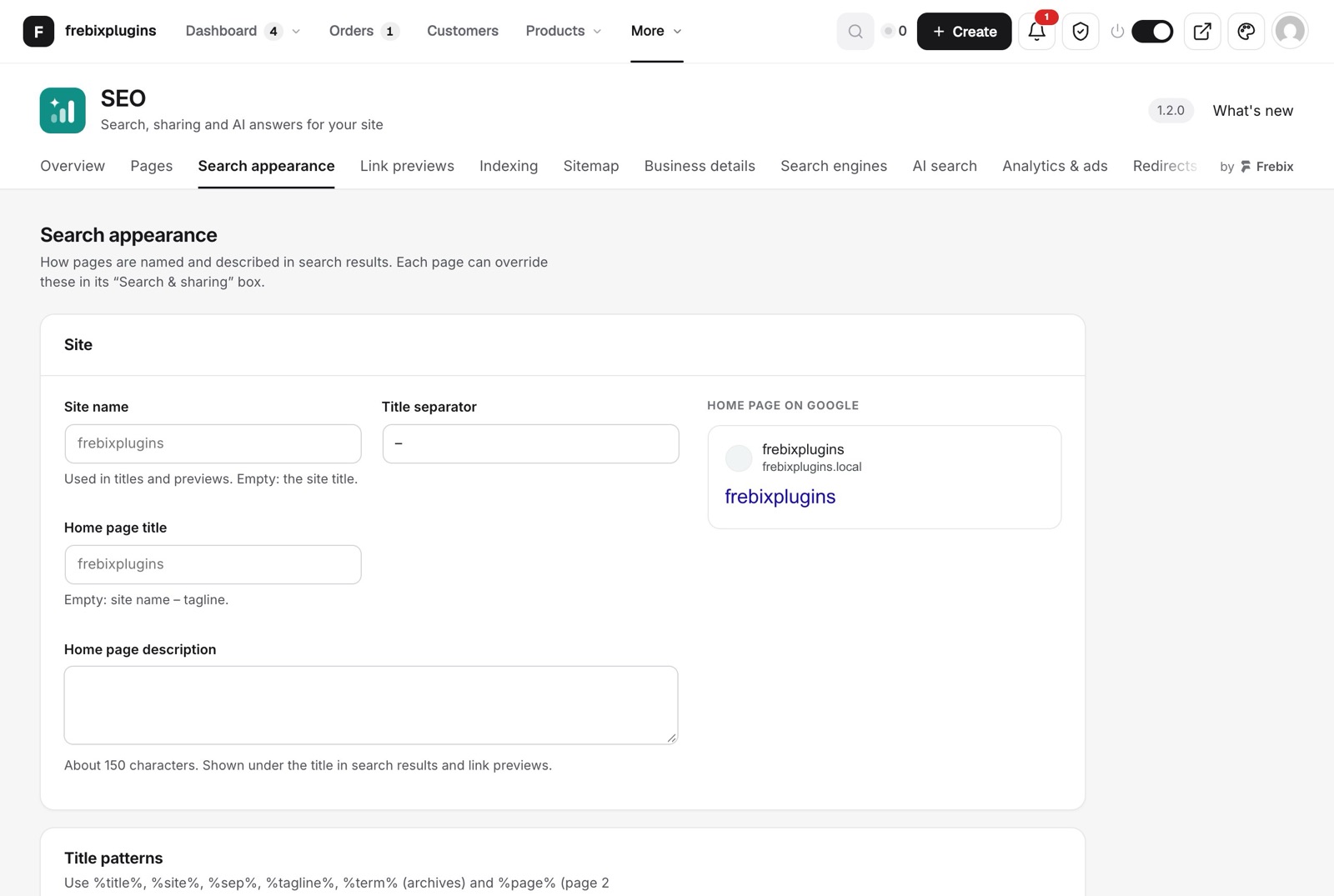
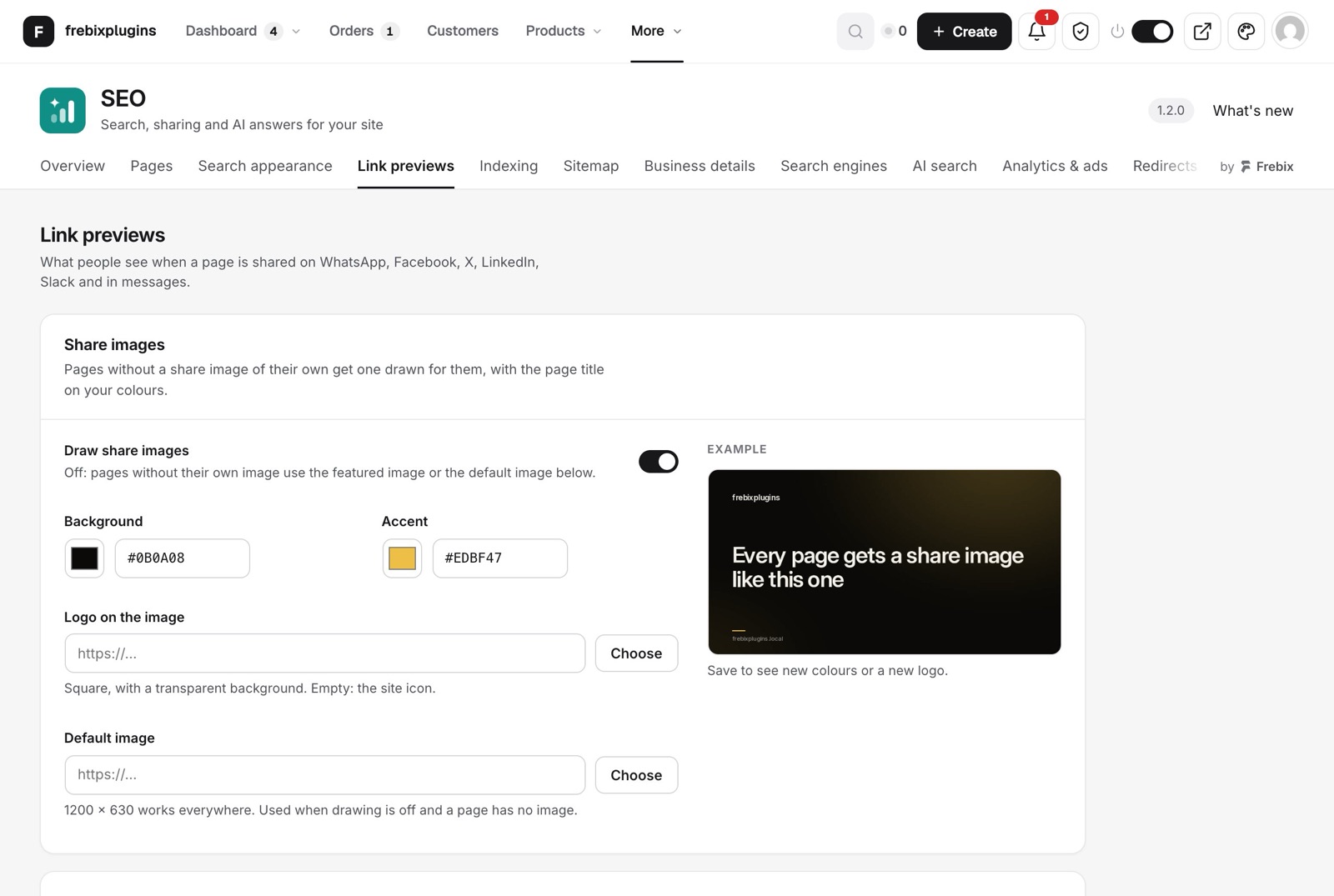
Check your site name, title pattern and sharing image.
- 4
Send your sitemap address to Google Search Console.
Good to know.
Can I choose which AI companies read my site?+
Yes. Agents that fetch pages to answer questions and agents that collect pages for training are listed separately, so you can allow one group and block the other.
Does it tell search engines when I publish something?+
On the live site it uses IndexNow to tell Bing, Yandex, Seznam and others when a public page is published, changed or removed.
Can I add analytics and ad tags?+
Yes. Google Analytics, Tag Manager, Google Ads, Meta, TikTok, LinkedIn and Microsoft Clarity can be added, and each waits for the visitor's consent when Frebix Consent is installed.
Can I move my settings to another site?+
Yes. Export the settings and redirects as one file and import it on the other site.
Get SEO
For site owners who want search and sharing handled properly without a crowded settings screen.
The rest of the family.
 ConsentCookie consent that stays on your siteFree
 Coming SoonA page while you buildFree
 PanelA calmer WooCommerce adminFree + add-ons
 Dynamic PricingQuantity discounts and dealsFree + Pro
 Bulk VariationsPick several variations at onceFree + Pro
 Quantity ManagerMinimums, maximums and stepsFree + Pro
 WholesaleTrade accounts and pricesFree + Pro
 Lay-byPay for a product in partsFree + Pro
 Pay for MeSomeone else pays the orderFree + Pro
 Gift OrdersSend an order as a giftFree + Pro
 Country PricesYour own prices by delivery countryFree + Pro
 Live ActivityReal social proof, never made upFree + Pro
 MatchA quiz that finds the right productsFree + Pro
 Stock PlacesStock counted in each place you keep itFree + Pro
 Product OptionsExtra choices with their own pricesFree + Pro
 EmailsDesigned WooCommerce emailsFree + Pro
 StudioA calm shop app for your teamUS$149
 POSA full till for selling in personUS$149
 MeasurementsCustomer measurements on ordersFree
 Serial CodesProve a product is genuineOn request
 Hubtel PaymentsMobile money and card in GhanaFree
 AppointmentsOnline booking with a team calendarUS$149
 Request PaymentsPay links by WhatsApp, text or emailUS$49
 ProjectsCustom jobs from quote to hand-overUS$199
 White LabelYour brand on every client siteUS$79