
Measurements
Customers enter their measurements on the product page, and you see them on every order.
Free
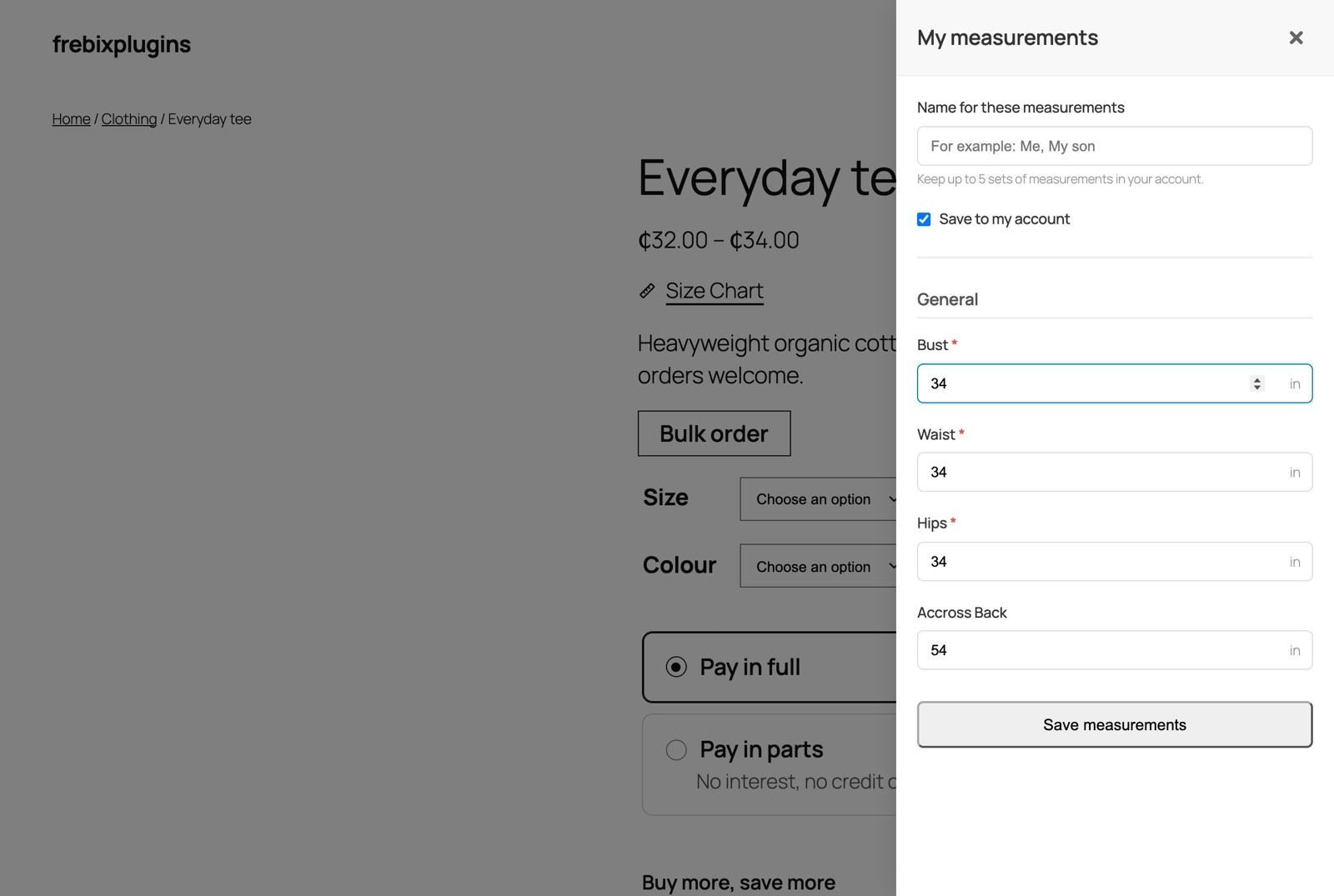
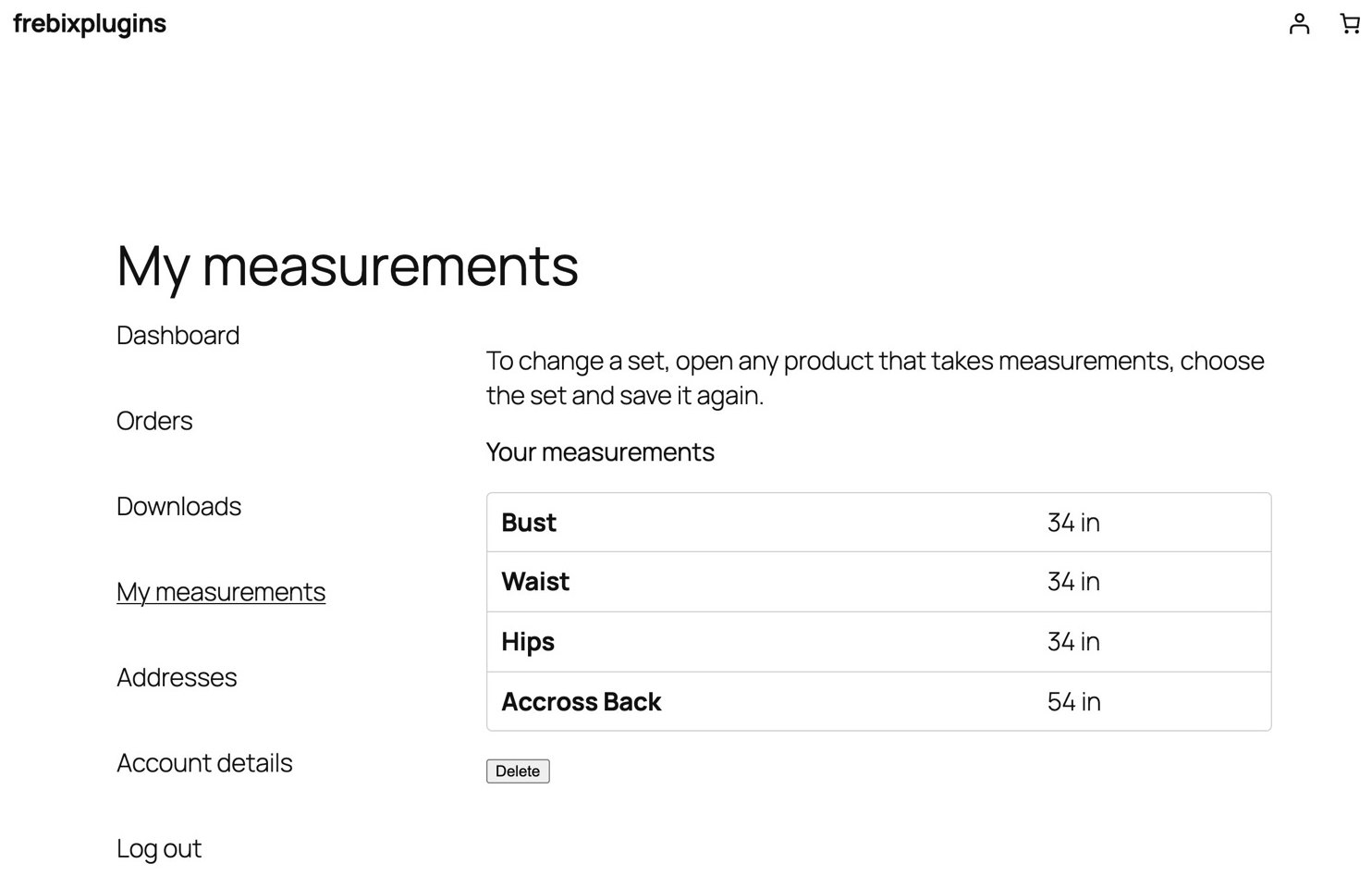
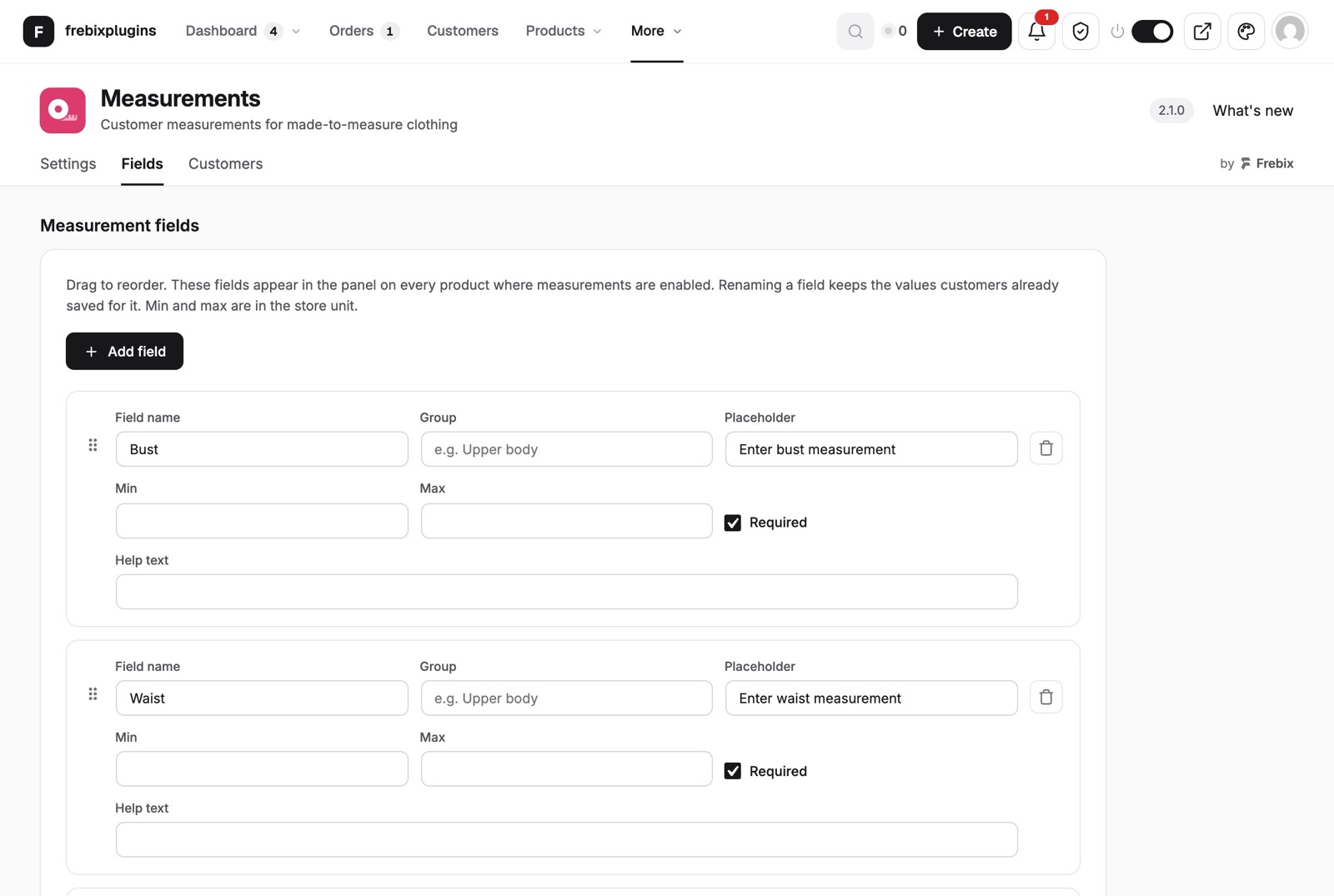
Customers enter their measurements beside the product
What you get.
Running in four steps.
- 1
Install Frebix Measurements and activate it.
- 2
Open Frebix → Measurements and add the fields you need.
- 3
Choose which products ask for measurements.
- 4
Check a test order: the measurements show on the order.
Good to know.
Why does adding the same product twice make two cart lines?+
On purpose. Each item with measurements gets its own line, so two pieces for two different people are never merged. Products without measurements stack as usual.
Can I rename a field later?+
Yes. Each field has a fixed id and values are saved under it, so renaming keeps everything customers already saved and older orders keep their values.
Does it work with the block checkout?+
Yes. It works with the Cart and Checkout blocks and with High-Performance Order Storage.
Where do customers manage their saved measurements?+
Under My account, in My measurements, when customer profiles are switched on.
Get Measurements
For tailors and fashion stores on WooCommerce that make clothes to measure.
The rest of the family.
 ConsentCookie consent that stays on your siteFree
 SEOTitles, link previews and sitemapsFree
 Coming SoonA page while you buildFree
 PanelA calmer WooCommerce adminFree + add-ons
 Dynamic PricingQuantity discounts and dealsFree + Pro
 Bulk VariationsPick several variations at onceFree + Pro
 Quantity ManagerMinimums, maximums and stepsFree + Pro
 WholesaleTrade accounts and pricesFree + Pro
 Lay-byPay for a product in partsFree + Pro
 Pay for MeSomeone else pays the orderFree + Pro
 Gift OrdersSend an order as a giftFree + Pro
 Country PricesYour own prices by delivery countryFree + Pro
 Live ActivityReal social proof, never made upFree + Pro
 MatchA quiz that finds the right productsFree + Pro
 Stock PlacesStock counted in each place you keep itFree + Pro
 Product OptionsExtra choices with their own pricesFree + Pro
 EmailsDesigned WooCommerce emailsFree + Pro
 StudioA calm shop app for your teamUS$149
 POSA full till for selling in personUS$149
 Serial CodesProve a product is genuineOn request
 Hubtel PaymentsMobile money and card in GhanaFree
 AppointmentsOnline booking with a team calendarUS$149
 Request PaymentsPay links by WhatsApp, text or emailUS$49
 ProjectsCustom jobs from quote to hand-overUS$199
 White LabelYour brand on every client siteUS$79